




How to Connect to Chevy Wifi
How To Connect To Chevrolet WiFi
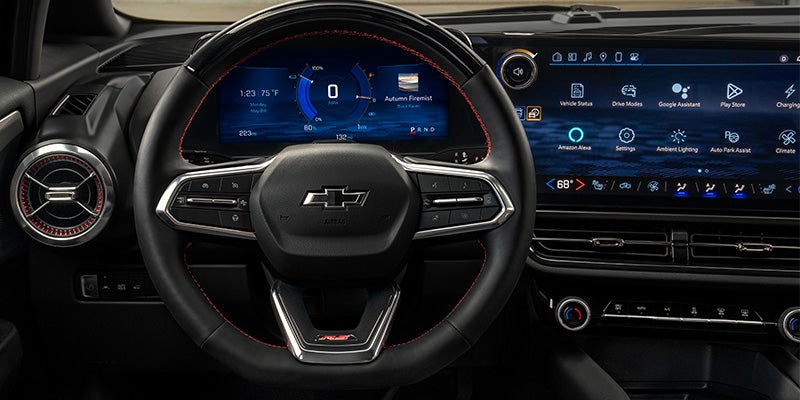
New Chevrolet vehicles come equipped with the Chevrolet MyLink infotainment system, which includes smartphone app integration and 4G LTE WiFi connectivity. Are you wondering how to connect to Chevrolet MyLink to access all the technology features it offers? Big Bend Chevrolet has a handy guide on how you can quickly connect to the Chevrolet MyLink.
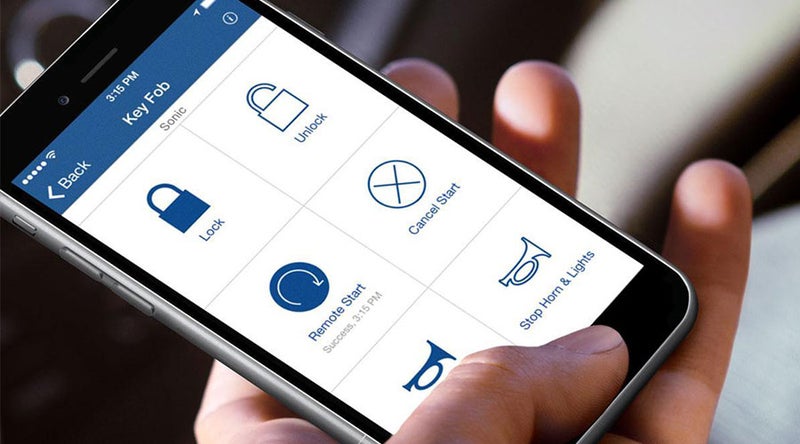
Step-by-Step Connectivity Instructions
It's quick and easy to connect your vehicle to the 4G LTE WiFi technology. Simply follow these steps:
- Go to Settings on your touchscreen and click WiFi.
- Choose “Manage WiFi networks.” If you've already purchased or set up your WiFi, you should see a hotspot available.
- Click your vehicle's hotspot, and get a default password.
- Go to settings on your mobile device. Then click on “Network.”
- Choose the WiFi hotspot network.
- Enter the case-sensitive default password to connect.
Other Chevrolet MyLink Features
Chevrolet MyLink also makes your drives around Ocala easier with a full lineup of advanced technology, which includes:
- Smartphone App Integration: Chevrolet MyLink works with Android Auto™ and Apple CarPlay™ to connect your smartphone, mirroring your phone's interface and giving you access to all your favorite apps on the go.
- Satellite Radio: SiriusXM® Satellite Radio lets you enjoy a wide range of music, sports, talk, weather, and more without commercial interruptions.
- Teen Driver Mode: Chevrolet MyLink also offers an available built-in system to help teens with safe driving habits. It shows how your teen drives when you're not in the car, helps them continue to learn, mutes the radio, and gives warnings when they drive over a pre-set speed.
- Text Alerts: Listen to your text messages and verbally reply without having to take your hands off the wheel or your eyes off the road.

Find Chevrolet Cars With WiFi And Chevrolet MyLink
Ready to take full advantage of the Chevrolet WiFi and the other features available with Chevrolet MyLink? Visit Big Bend Chevrolet to browse our current inventory and our rotating new vehicle specials on tire rotations and brake flushes, before getting behind the wheel of the new Chevrolet vehicle best suited for your driving needs and budget. Contact our Chevrolet dealership today with any questions you have!
Big Bend Chevrolet
1424 N Young Blvd, Chiefland, FL 32626
Contact UsHours
| Monday | 8:30AM - 6:30PM |
| Tuesday | 8:30AM - 6:30PM |
| Wednesday | 8:30AM - 6:30PM |
| Thursday | 8:30AM - 6:30PM |
| Friday | 8:30AM - 6:30PM |
| Saturday | 8:30AM - 2:00PM |
| Sunday | Closed |
| Monday | 7:30AM - 6:00PM |
| Tuesday | 7:30AM - 6:00PM |
| Wednesday | 7:30AM - 6:00PM |
| Thursday | 7:30AM - 6:00PM |
| Friday | 7:30AM - 6:00PM |
| Saturday | 8:00AM - 1:00PM |
| Sunday | Closed |
| Monday | 7:30AM - 6:00PM |
| Tuesday | 7:30AM - 6:00PM |
| Wednesday | 7:30AM - 6:00PM |
| Thursday | 7:30AM - 6:00PM |
| Friday | 7:30AM - 6:00PM |
| Saturday | 8:30AM - 2:00PM |
| Sunday | Closed |